
01 /
Settle into the reading.
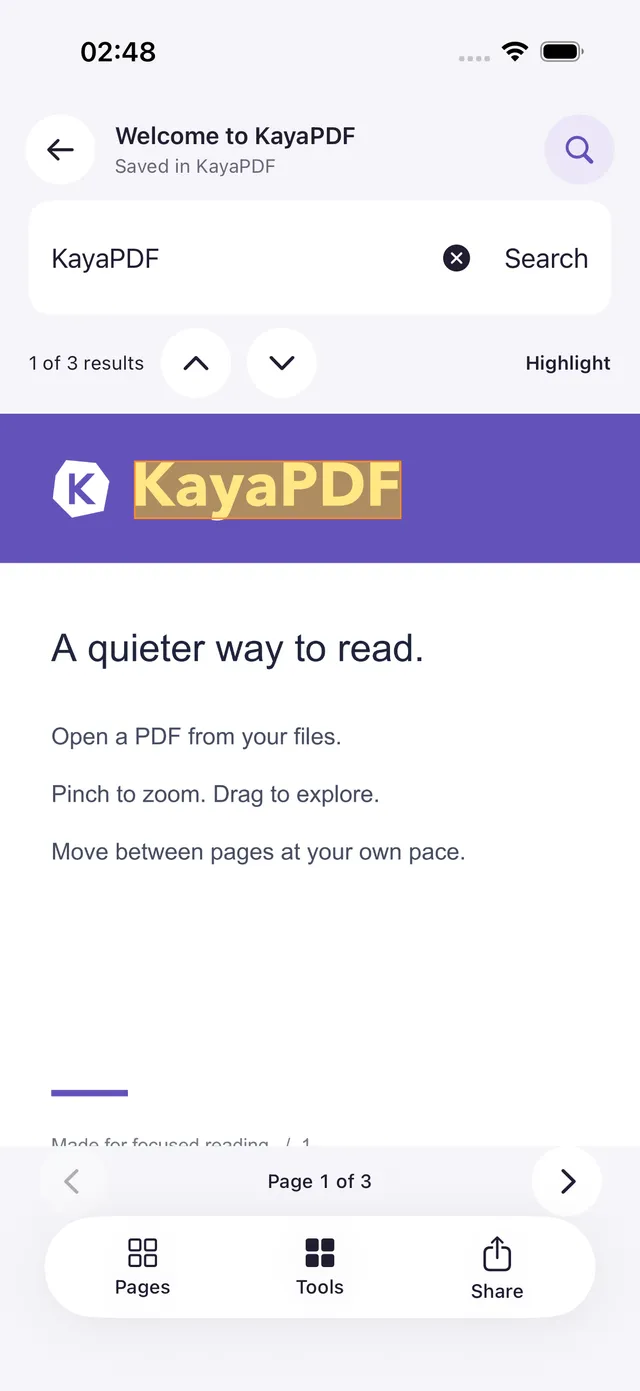
Scroll continuously, zoom into the details and pick up where you left off. Find a passage with search or the document's contents.
MADE FOR YOUR EVERYDAY DOCUMENTS
Read, highlight, fill and organize. A thoughtful PDF app that keeps your documents close and your attention on the page.
For iOS & AndroidNo account needed
THE EVERYDAY ESSENTIALS
Scroll continuously, zoom into the details and pick up where you left off. Find a passage with search or the document's contents.
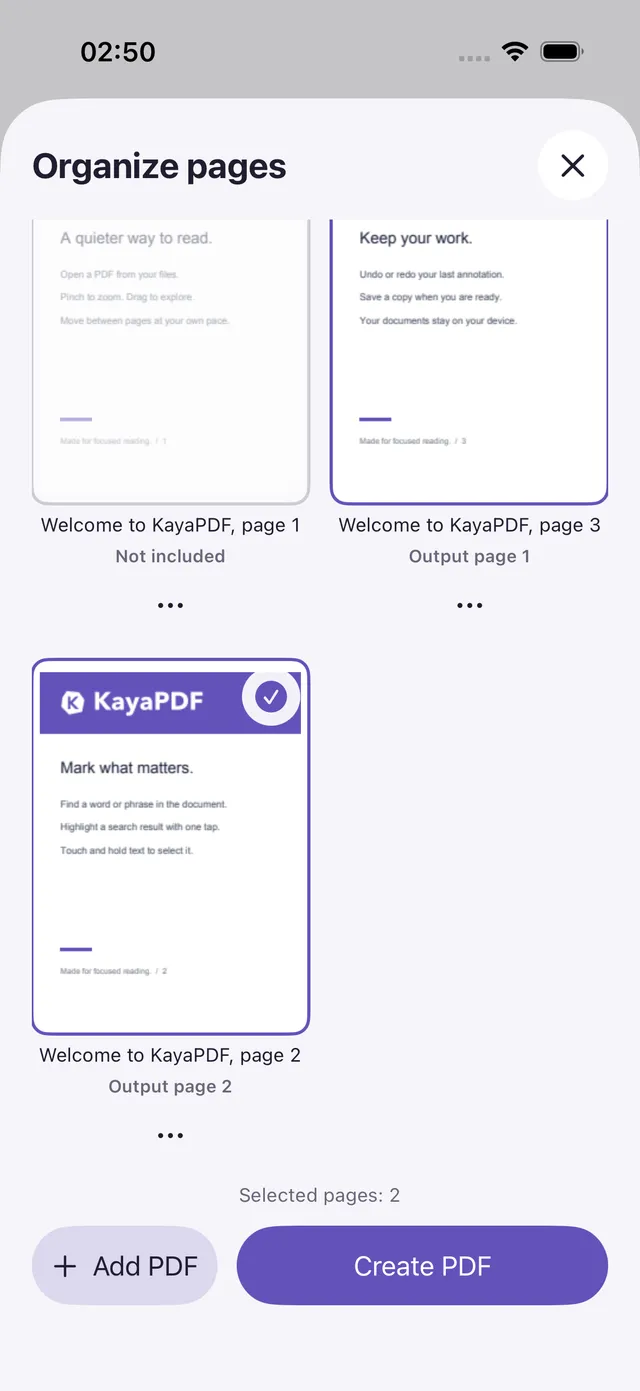
See your pages as thumbnails. Drag to reorder, duplicate or remove pages, and combine documents into a separate PDF. Your originals stay intact.
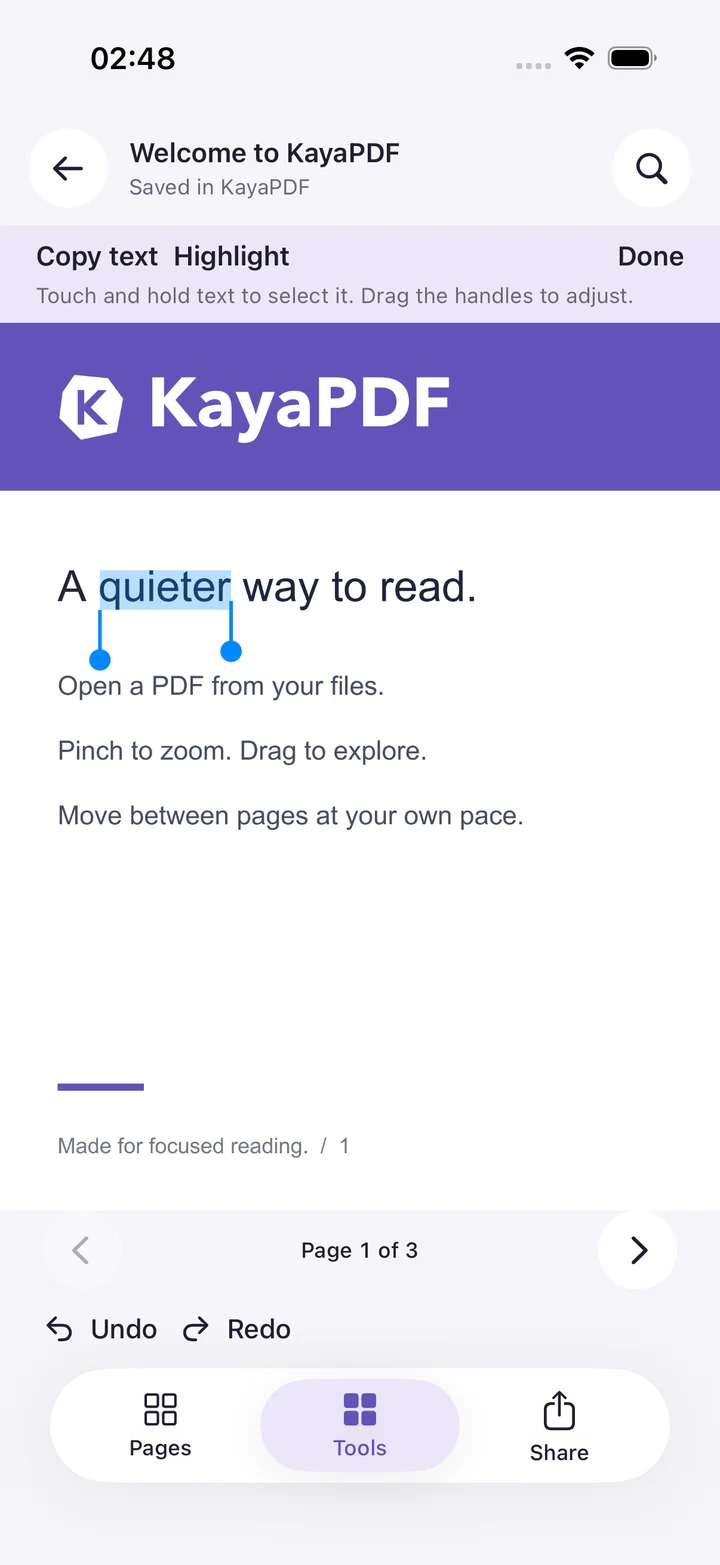
Select a word, adjust the handles and highlight a passage. Add notes, draw or place a handwritten signature. Undo and redo as you work. A supported pen changes line width with pressure. Touch draws at a steady width.
Complete supported text fields, checkboxes and choice controls, then save and share a copy. Form support depends on the document.
Recognize text on your device, then search, copy or export it as text. You can also create a separate searchable PDF with a text layer; the original stays unchanged. OCR languages vary by platform.
Choose from 20 interface languages, with right-to-left layouts and an appearance that can follow your device.
Arranging or combining pages keeps supported AcroForm fields editable by default. Turning off “Keep forms editable” creates a flattened copy with visible form values and marks built into the pages. Protected or signed PDFs and XFA forms are unsupported. Links, comment pop-ups, outlines and scripts are not transferred.

CLOSE TO YOU. PRIVATE BY DESIGN.
KayaPDF is free, with no purchases or subscriptions; ad-supported versions use only Google AdMob banners in the library. Your documents stay on your device; no KayaPDF account is needed.
How we handle your dataKAYAPDF
Built for reading, getting things done and getting on with your day.
Get KayaPDF